

The role of spindle speed control is quite significant in CNC turning as it helps to ensure good processing quality, efficiency and safety. In turning work, among the many functions of the CNC G-codes, the functions G96 and G97 are most important for controlling the spindle speeds that take place in cutting.
Even though they are very important, these two terms are often used inappropriately and misinterpreted, thus causing a poor surface finish to the material as well as premature tool wear reported in some cases.
The following write-up offers a practical review of G96 and G97 CNC codes, highlighting their similarities and differences in simple terms and specifying the peculiarities in relation to modern CNC turning machines.
What Is G96 CNC Code?
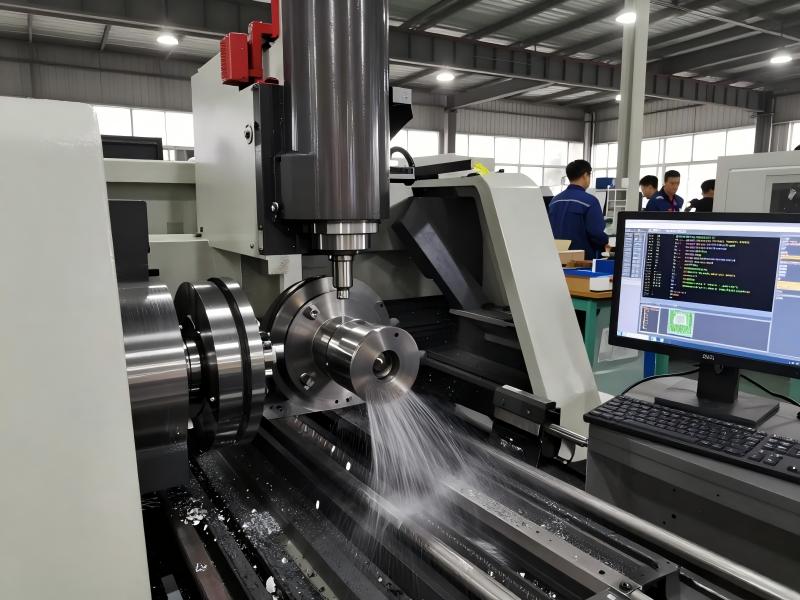
Constant surface speed (G96) is a CNC mode commonly known as CSS. What it does is to allow Lathe CNC to modify the spindle speed in such a manner that no matter how the size of the part changes, the actual speed of cutting remains constant in every section, which involves a sustained elevation.
In simple terms, instead of the spindle rotating at one fixed speed, the machine continuously recalculates how fast the spindle should rotate to maintain a consistent cutting condition.
Under G96:
- The programmed spindle speed value represents surface cutting speed, not revolutions per minute
- The machine increases or decreases RPM automatically
- The actual spindle speed depends on the current diameter being machined
This behavior is especially important in turning operations where diameter changes frequently.
How G96 Works During CNC Turning
During turning, the cutting diameter is rarely constant. Facing, profiling, taper turning, and finishing passes all involve changes in diameter. If spindle speed remained fixed, the cutting speed at the tool edge would vary significantly, resulting in uneven cutting conditions.
With G96 active:
- When the tool is cutting at a larger diameter, the spindle rotates more slowly
- As the tool moves toward a smaller diameter, the spindle speed increases
- The surface speed at the cutting edge remains stable throughout the operation
This automatic adjustment ensures uniform chip formation, consistent cutting forces, and improved machining quality.
Why G96 Improves Machining Performance
The most important benefit of G96 is the consistency of speed at the surface. This is very helpful because it is regulated, so no issues arise where small diameters are cut too fast, or rather, the problem of the big diameters being cut too slowly comes up.
Key benefits include:
- More uniform surface finish across the entire part
- Reduced thermal shock on cutting tools
- Extended tool life
- Better control during finishing operations
- Improved repeatability in production runs
For these reasons, G96 is widely regarded as a professional standard in CNC turning rather than an optional feature.
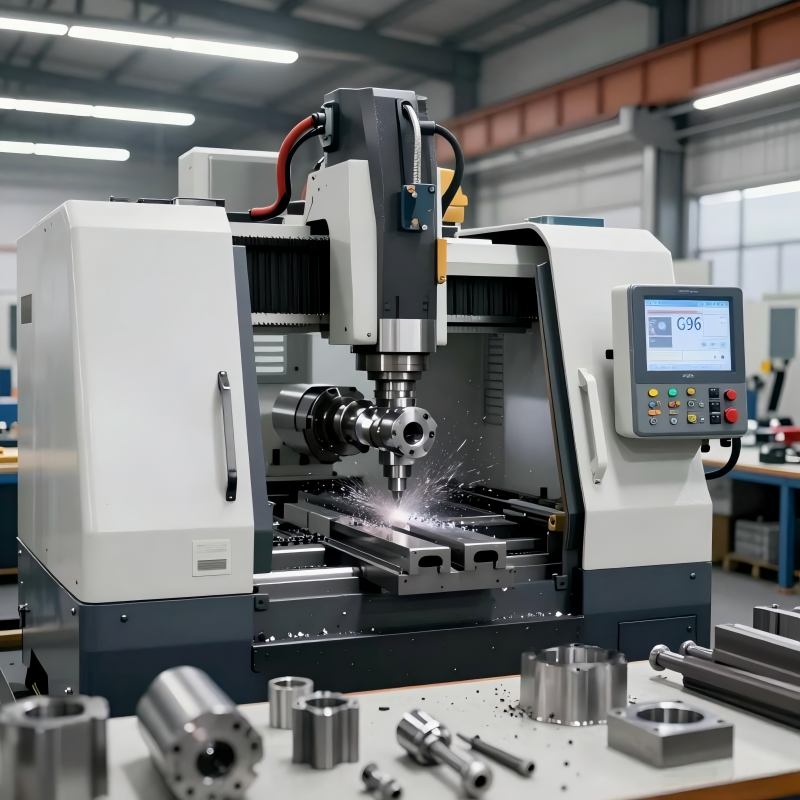
What Is G97 CNC Code?
The G97 CNC code deactivates the constant surface speed control and changes the spindle to operate at the programmed speeds. When G97 is active, the spindle RPM stays the same, even when there are changes in cutting diameter.
In this mode:
- The programmed spindle speed value directly represents RPM
- The spindle does not automatically compensate for diameter changes
- Cutting speed varies depending on the current diameter
G97 represents the most straightforward and predictable form of spindle control.
How G97 Works in Practice
The moment the command G97 goes on, everything is simply a matter of setting the spindle rotational speed and letting the machine tool run. The surface speed varies as a function of the relative distance of the tool to the center of the part.
This regular occurrence makes G97, in fact, well suited for applications in which a constant speed, rather than a stable RPM, is the essential parameter.
Situations Where G97 Is Preferred
G97 is commonly used in machining operations that require:
- Stable and predictable spindle speed
- Minimal risk of sudden RPM increases
- Tight synchronization between spindle and feed motion
Typical applications include drilling, tapping, thread cutting, grooving on small diameters, and setup or alignment procedures. In these cases, fixed RPM provides better control and safety.
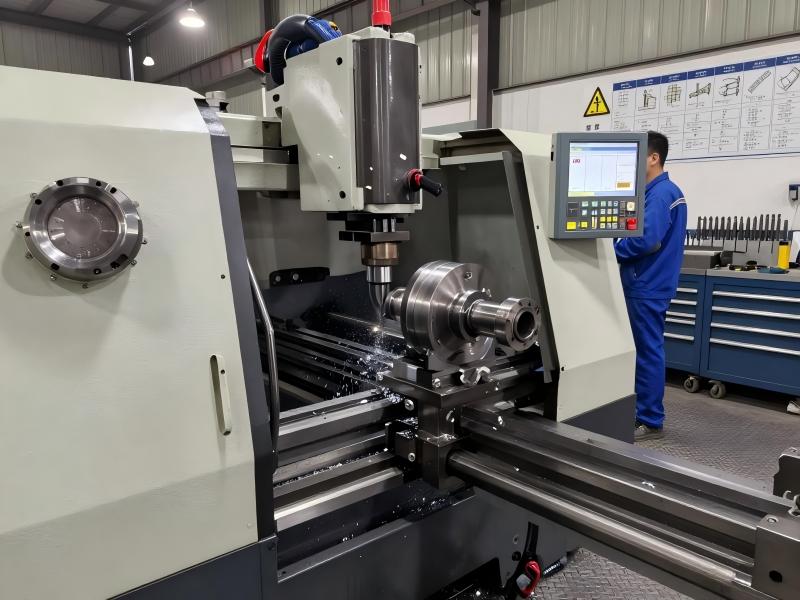
G96 and G97 CNC Code: Key Differences Explained
Although G96 and G97 both control spindle behavior, they serve very different purposes and should not be used interchangeably.
With G96, the machine prioritizes maintaining a constant cutting condition by continuously adjusting spindle speed. With G97, the machine prioritizes stability by keeping spindle speed fixed.
From a practical standpoint:
- G96 focuses on surface quality and tool life
- G97 focuses on predictability and operational safety
- G96 adapts automatically to diameter changes
- G97 requires the programmer to manage cutting speed manually
Understanding this distinction is essential for writing safe and effective CNC turning programs.
When to Use G96 vs G97 in Real CNC Machining
Selecting G96 or G97 hinges on the operations, the component structure, as well as the type of cutting that is apt for the geometry. Switching to the wrong modes causes interrupted surface integrity, tool wear, or unsafe spindle speeds.
Best Applications for G96 CNC Code
G96 is most suitable for turning operations where the workpiece diameter varies along the cutting path and maintaining a consistent cutting speed at the tool edge is critical. Common scenarios include:
- External turning: When machining a workpiece with large and varying diameters, G96 automatically adjusts the spindle speed to maintain constant surface speed, reducing tool load fluctuations.
- Facing operations: On flat or slightly contoured surfaces, maintaining consistent cutting speed prevents chatter and ensures uniform surface finish.
- Taper turning and profiling: For parts with complex geometries or varying diameters along the profile, G96 ensures cutting conditions remain stable throughout the operation.
- Precision finishing: When surface quality and dimensional accuracy are essential, constant surface speed reduces the risk of tool marks and uneven material removal.
In professional machining environments, G96 is often the default for rough-to-finish operations on large or variable-diameter components, because it optimizes both tool life and part quality.
Best Applications for G97 CNC Code
G97, on the other hand, is preferable in operations where fixed spindle RPM is more important than constant surface speed, such as:
- Drilling and tapping: Fixed RPM provides predictable spindle behavior, minimizing tool breakage during engagement.
- Thread cutting: Maintaining stable rotational speed is essential for thread consistency and accuracy.
- Grooving on small diameters: Small-diameter operations can experience excessive spindle speed if CSS is applied; G97 avoids this risk.
- Setup and alignment operations: Fixed RPM allows machinists to maintain precise, repeatable control over the spindle for measurement and calibration tasks.
Experienced machinists often switch from G96 to G97 before entering RPM-sensitive processes, ensuring safety and repeatability.
Guidelines for Switching Between G96 and G97
Safe and effective CNC programming requires clearly defining when each mode is active:
- Start with a spindle speed limit before activating G96 (e.g., the maximum safe RPM).
- Use G96 for roughing and finishing operations on varying diameters.
- Switch to G97 before drilling, threading, or any RPM-sensitive operation.
- Always explicitly program the mode switch—do not assume default machine behavior.
Following this workflow ensures consistent cutting quality and avoids dangerous overspeed conditions.
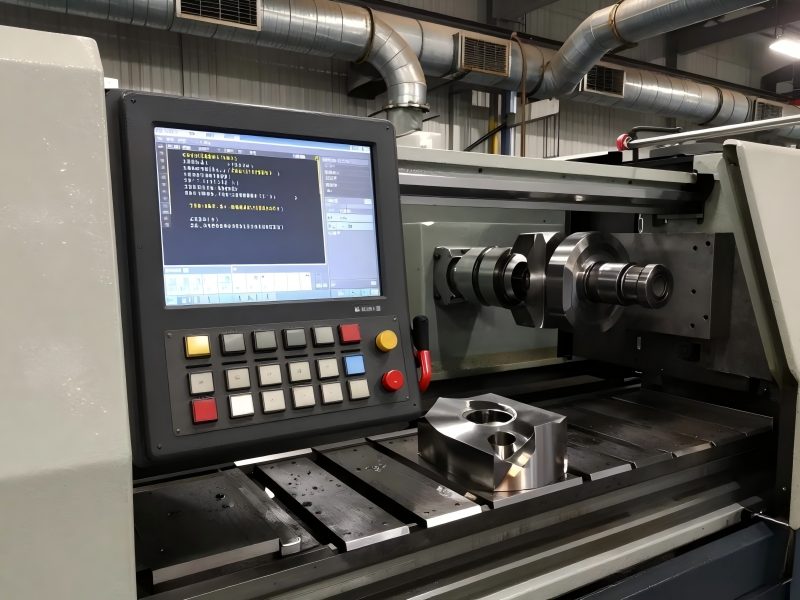
Why G50 or G92 Is Critical When Using G96 CNC Code
G96 provides a constant surface speed, which requires the spindle to increase or decrease RPM based on diameter automatically. While this improves machining consistency, it also introduces potential safety risks if not properly controlled.
The Risk of Spindle Overspeed
As the tool moves toward smaller diameters, the spindle speed rises to maintain constant surface speed. Without a limit, RPM can escalate rapidly—sometimes beyond the mechanical limits of the spindle. This can result in:
- Excessive bearing wear or damage
- Spindle overspeed alarms or shutdowns
- Tool breakage or accelerated wear
- Chatter or vibration affecting surface quality
- In severe cases, safety hazards for operators
How G50 or G92 Prevents Overspeed
Spindle speed limiting commands such as G50 or G92 are essential safeguards in G96 operations. These commands define the maximum allowable spindle RPM, instructing the machine not to exceed this value even as the diameter decreases. Key points include:
- The spindle will adjust RPM according to the workpiece diameter but never exceed the programmed maximum.
- Maximum spindle speed should be selected based on tool material, cutting conditions, and machine capabilities.
- Proper spindle speed limits prevent mechanical stress, improve safety, and maintain consistent cutting conditions.
Practical Best Practices
- Always define a spindle speed limit before using G96; never rely solely on operator judgment.
- Choose the limit based on the smallest anticipated diameter, tool type, and cutting material.
- Monitor spindle load and cutting conditions during first passes to ensure the set limit is adequate.
- Combine speed limits with feed optimization to maximize surface quality and tool life.
By adhering to these practices, machinists can safely take advantage of the benefits of G96 constant surface speed while minimizing risk, making it a standard for professional CNC turning operations.
Common Mistakes with G96 and G97 CNC Codes
Despite their importance, G96 and G97 are often misused. Typical mistakes include:
- Activating constant surface speed without setting a spindle limit
- Using G96 during drilling or threading operations
- Confusing cutting speed values with RPM values
- Forgetting to cancel G96 before RPM-sensitive processes
- Assuming default machine states instead of programming explicitly
Avoiding these errors significantly improves machining reliability and safety.
G96 and G97 are not interchangeable commands. Each serves a distinct purpose and should be applied deliberately based on machining requirements.
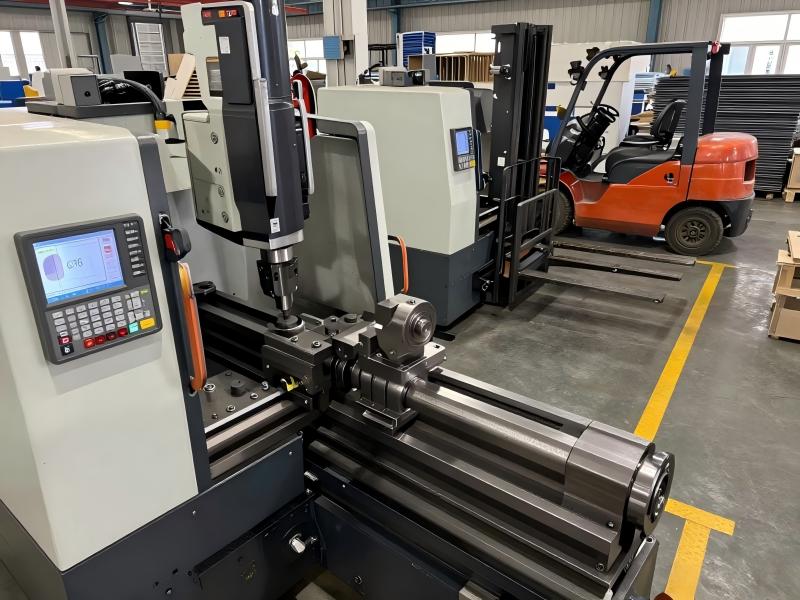
FAQ about G96 and G97 CNC Code
Q1: What is the main difference between G96 and G97 CNC code?
G96 controls constant surface speed, while G97 controls fixed spindle RPM.
Q2: Is G96 dangerous without G50?
Yes. Without a spindle speed limit, RPM can rise to unsafe levels.
Q3: What does S mean in G96 CNC code?
It represents surface cutting speed, not RPM.
Q4: Can G96 be used for drilling?
It is not recommended. G97 is safer for drilling operations.
Q5: When should I switch from G96 to G97?
Before drilling, threading, or any RPM-sensitive operation.