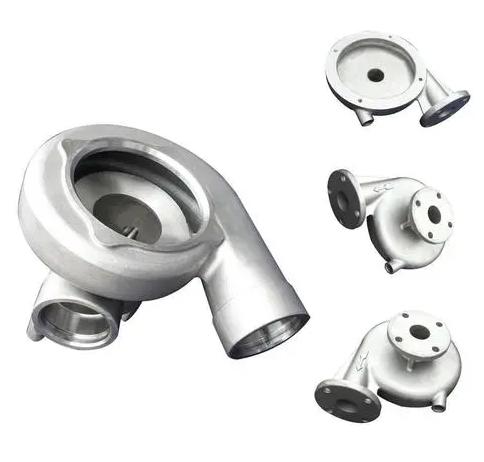


Let’s be real—nobody likes dealing with scrapped parts or reworked batches. When you are running a CNC shop, your margins depend entirely on your cycle times and your scrap rates. Even with high-tech, highly automated CNC machines, quality issues still occur. A single out-of-tolerance feature or a bad surface finish can ruin a production run, delay your shipments, and eat your profits.
As an engineer who has spent thousands of hours setting up fixtures, dialing in feeds, and troubleshooting toolpaths on the shop floor, I can tell you that most CNC machining defects are totally preventable. You don’t need luck. You just need a systematic approach to find the root cause and apply the correct fix. In this guide, we will look at the 5 most common CNC machining defects, why they happen, and go through some real-world solutions to fix them.
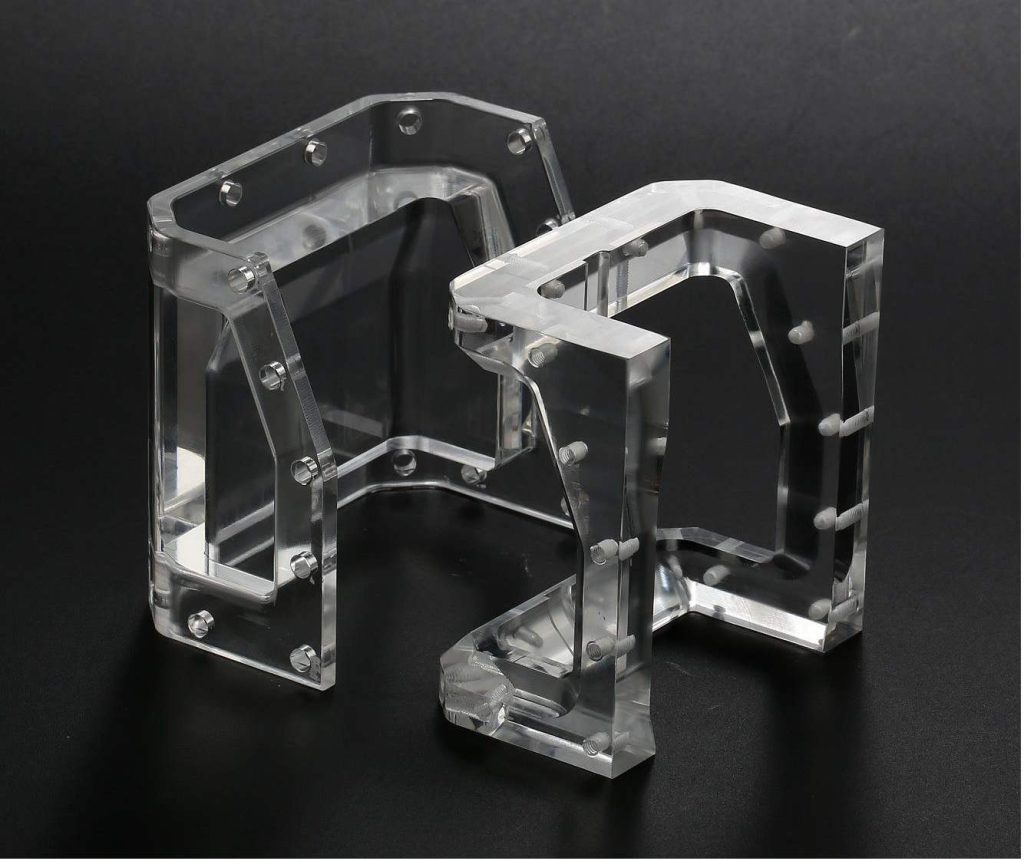
5 Common CNC Machining Defects that Impact Your Parts
You can’t fix a problem if you don’t know what you’re looking at. Here are the five things that will give you the most headaches when inspecting.
1. Dimensional Errors (Out of Tolerance)
That is when the print is different than your finished part. Your holes may be too small, or your milled slots may end up too big. If a hole is too small, a bolt won’t go through; if a slot is too wide, the mating part will slop around. In either case, the assembly fails, and the part is scrapped.
2. Bad Surface Finish (Chatter and Burn)
A bad surface finish is generally noticed in three ways: chatter marks, burns, or uneven tool marks. Chatter appears as wavy lines or ripples on the material. Chatter is caused by bad vibrations. Burns are dark discoloration on metal or melted edges on plastics – meaning you have way too much friction and heat. A rough surface is not only ugly, but it also increases friction, increases mechanical wear, and prevents coatings or seals from bonding properly.
3. Quick Tool Deterioration and Breakage
Tools wear out naturally with time, but a premature failure or a sudden snap is a big problem. When a tool becomes dull, it no longer cuts cleanly; it rubs. This ruins your surface finish and pushes your dimensions out of tolerance. If you break off a drill or end mill inside a pocket, it usually gouges the workpiece, causes an emergency stop, and wrecks the part you are running.
4. Burrs and Sharp Edges
Burrs are those annoying raised ridges or bits of material left behind at the edges and corners where the tool exits the cut. They are often present around drilled holes or on the top edges of a milled shoulder. Sharp edges and burrs are a safety hazard to anyone handling the parts, mess up your inspection measurements, and prevent parts from seating flush during assembly.
5. Deformation of material (warping and cracking)
Deformation is when the machining process puts too much physical stress or thermal load on the workpiece, causing it to warp, bend, or crack. This is a big deal when you are machining thin-walled parts or working with softer materials like aluminum 6061 and plastics. If a thin wall bends away from the cutter, you’ll have an inconsistent wall thickness the entire way.
Root Cause Analysis: The 7 Reasons Behind Machining Defects
When something goes wrong on the machine, you cannot just guess at the solution. You have to understand the physics of what is happening. Here are the seven main culprits behind almost every defect.
1. Incorrect Tool Selection: You get tool wear right away. If you’re machining a high-temp alloy with a standard carbide end mill, without the proper coating, you’re not matching the tool material to your workpiece. Similarly, picking a tool with the wrong geometry (like a low-helix angle when you need to evacuate sticky aluminum chips) results in recutting and bad finishes.
2. Improper Machining Parameters: This comes down to your cutting variables. If your cutting speed (Vc) is too high, the heat will burn your part and dull your tool. If your feed rate (fz) is too high, you will overload the tool flutes and snap the cutter. If your depth of cut (ap) is too aggressive, the machine will stall or vibrate violently.
3. Tool Wear and Tear: Even with perfect parameters, tools degrade. A worn cutting edge can’t shear the material cleanly. Instead, it plows through it, increasing the cutting forces, generating massive friction, and causing dimensional drift.
4. Programming Errors: Human errors in the CAM software cause major issues. A bad lead-in or lead-out move will leave gouges in your finish. Mistyping a coordinate or choosing the wrong tool orientation can cause the tool to crash straight into a fixture or remove too much stock.
5. Machine Tool Malfunctions: CNC machines are extremely accurate, but they do suffer from mechanical wear. Loose spindles or worn ball screws, or degraded linear guides, will immediately show up as heavy chatter marks on your parts due to the backlash and structural instability.
6. Material Inconsistencies: Raw material isn’t always uniform. Hard spots inside a metal casting or internal stresses trapped inside an extruded plastic block can cause the material to shift or warp as soon as you remove the outer layers.
7. Operator Errors: Simple mistakes during setup can ruin a run. If an operator doesn’t torque the vise correctly, or if there are chips trapped under the raw stock in the fixture, the part will tilt or vibrate during the cycle, throwing off every single dimension.
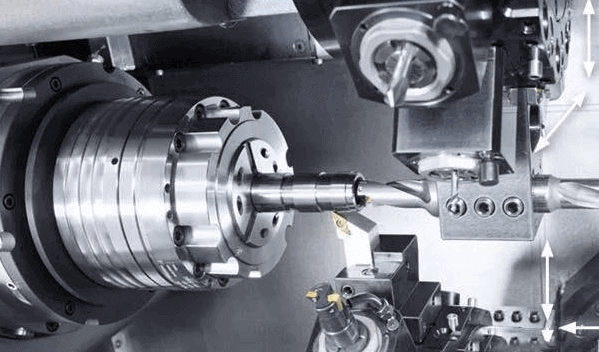
The Troubleshooting Checklist: Quick Solutions for Shop Floor Issues
Here is a direct, actionable troubleshooting table you can use right next to the machine control to fix these defects on the fly.
| Observed Defect | Probable Root Cause | Immediate Action / Solution |
| Dimensional Inaccuracies | Tool deflection, tool wear, or thermal expansion. | Check tool wear offsets. Use a shorter, stubbier tool to reduce deflection. Verify your work coordinate system (WCS). |
| Heavy Chatter Marks | Lack of rigidity in setup, or incorrect speeds/feeds. | Reduce your depth of cut ap. Increase feed rate or lower your RPM slightly to break the harmonic resonance. Optimize fixture clamping. |
| Part Burning / Melting | Excessive cutting speed or lack of coolant. | Lower the spindle RPM. Check your coolant lines to make sure they are pointing directly at the cutting zone; switch to flood coolant. |
| Excessive Burrs | Dull cutting edge or incorrect tool exit path. | Replace the worn tool. Change the CAM programming so the tool rolls over the edges rather than exiting straight out. |
| Thin Wall Warping | High residual stress from aggressive roughing. | Use light, high-speed machining (HSM) toolpaths with low radial engagement. Implement a roughing pass, let the part cool down, then run a finish pass. |
Long-Term Strategies for Consistent, High-Quality CNC Parts
Fixing problems on the fly is good, but preventing them entirely is how you run a profitable shop. Here are the long-term practices you need to build into your operations.
1. Match the Tool to the Job Perfectly
Stop using generic tools for specialized materials.If cutting aluminum, use polished, uncoated carbide tools with sharp rakes to prevent material welding to the tool. Tools used to cut stainless steel should be coated with AlTiN to resist the high heat. Match your tool diameter and length to your feature depths so you can keep deflection to an absolute minimum.
2. Dial In and Verify Your Parameters
Do not just rely on default CAM values or gut feelings. Use the manufacturer’s formulas to calculate your exact speed and feed rates based on your material and tool combination. Remember the basic relation for spindle speed:
N= (Vc×1000)/(π×D)
Where N is the spindle speed in RPM, Vc is the cutting speed in m/min, and D is the tool diameter in mm. Always verify these values before pushing the green button.
3. Implement Tool Life Tracking
Don’t wait for a tool to break before you change it. Use the tool life management features on your CNC control to track cutting time or the number of parts machined. Establish a conservative tool replacement schedule based on your historical data so you can swap out tools before they degrade your part quality.
4. Verify Programs with Simulation Software
Never run a new G-code program raw on the machine. Use CAM simulation tools to check for collisions, gouges, or unnecessary rapid moves. Verifying the toolpath digitally saves you from expensive tool smashes and scrapped raw stock.
5. Stick to a Machine Maintenance Routine
Always maintain your machinery in prime condition. Always monitor and fine-tune your axes. Inspect your spindle for runout, and ensure your lubrication and coolant levels are always full. Having well-maintained machinery will remove any mechanical variability in your machining process that would cause unwanted dimensional changes.
Ultimately, the secret to overcoming CNC machining problems lies in reducing variables. By determining which defect – such as dimension creep, vibration, or deformation of the parts – is causing you problems and pinpointing its root cause, you can ensure that your scrap rate remains minimal. Take the time to choose the right tooling, calculate your parameters, and maintain your machines correctly, and you will be able to turn out high-quality and efficient parts.
Need Help with a Complex CNC Project?
Managing tolerances and surface finishes can be tough. If you are dealing with a challenging part design or need high-volume precision manufacturing, the engineering team at JTR Machine is here to help. Upload your 3D CAD files today to get a comprehensive manufacturing analysis and a precise quote for your project!